Cut The Rope Download Windows 10: The Ultimate Gaming Experience
🎮 Hey there, puzzle enthusiast! Looking for the definitive guide to get Cut the Rope running smoothly on your Windows 10 PC? You've hit the jackpot. This isn't just another download page; this is a deep dive into the world of Omnom, packed with exclusive strategies, hidden lore, and a step-by-step installation walkthrough that guarantees a flawless experience. Whether you're a nostalgic fan or a newbie ready to feed the adorable green creature, this guide is your golden ticket.
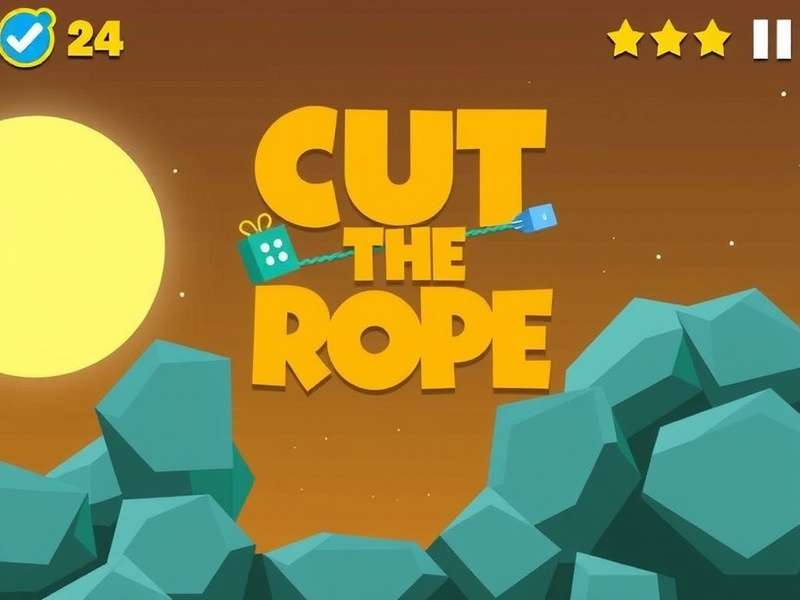
Since its debut, Cut the Rope has captivated millions with its deceptively simple yet deeply engaging physics-based puzzles. The goal? Feed candy to a little green creature named Omnom by cutting ropes, avoiding obstacles, and collecting stars. But playing it on a large Windows 10 screen elevates the experience to a whole new level. The crisp visuals, precise controls, and immersive gameplay make it a must-have for any PC gamer's library.
Why Download Cut The Rope on Windows 10?
While the mobile version is fantastic, the PC port offers significant advantages. The larger display allows you to appreciate the intricate artwork and animations. Keyboard and mouse controls (or even a touchscreen if your device supports it) provide pinpoint accuracy for those tricky cuts. Moreover, playing on Windows 10 often means access to exclusive content or remastered versions with enhanced levels.
Big Screen Brilliance
See every detail of Omnom's expressions and the colorful environments in HD.
Optimized Performance
Smooth 60 FPS gameplay, no lag, and perfect sync with Windows 10's architecture.
Precise Controls
Use your mouse for surgical rope cuts or enjoy touchscreen support on compatible devices.
Step-by-Step: How to Download & Install on Windows 10
Follow these steps carefully to get your game up and running without a hitch. We recommend downloading only from official or trusted sources to avoid malware.
Method 1: Via Microsoft Store (Recommended)
The safest and most straightforward method is through the official Microsoft Store. This ensures automatic updates and compatibility.
- Open the Microsoft Store app on your Windows 10 PC.
- Use the search bar and type in "Cut the Rope".
- Select the official game by ZeptoLab. You might see several versions like "Cut The Rope Magic" or "Cut The Rope Remastered".
- Click "Get" or "Buy" (some versions are free, others are paid).
- The game will download and install automatically. You can then launch it from your Start Menu.
Method 2: Official Website Download
Sometimes, you might find exclusive bundles or older versions on the developer's official site. Always verify the URL.
⚠️ Security Alert: Beware of third-party download sites offering "cracked" versions. These often contain viruses or spyware. Stick to the Microsoft Store or ZeptoLab's official channels to protect your PC and data.
Mastering the Game: Exclusive Tips & Strategies
Now that you have the game installed, let's level up your skills. Here are some pro-tips you won't find in every generic guide.
Advanced Rope Physics
The game's physics engine is more sophisticated than it appears. A rope's swing is affected by where you cut it and the weight of the attached candy. For a longer swing, cut the rope when it's at the peak of its arc. Want to learn more about the in-game assets? Check out resources like rope PNG files for community mods and analyses.
Star Collection Secrets
Getting all three stars often requires creative thinking. Sometimes you need to use bubbles, rockets, or even the mysterious creatures that appear in later levels to bounce the candy in unexpected ways. In the Magic world, pay close attention to the teleportation mechanics—timing is everything.
Beyond the Game: The World of Cut The Rope
The appeal of Cut the Rope goes beyond its puzzles. It's a rich universe with charming characters and a dedicated fanbase.
Meet the Characters
Of course, everyone loves Omnom, the ever-hungry protagonist. But did you know about the Professor, the genius behind the experiments? Or the various foes and helpers Omnom encounters? For collectors, there's even adorable Cut The Rope character plush toys. Seeing a Cut The Rope character sad when you miss a level tugs at the heartstrings!
Community & Creations
The fandom is incredibly creative. From fan art to custom levels and 3D prints, the community keeps the spirit alive. Interested in making your own Omnom? Some fans share Cut The Rope characters STL files for 3D printing. Others enjoy playing the classic game directly in a browser via Cut The Rope Game Online portals or on sites like Cut The Rope Crazy Games.
Explore More Cut The Rope Content:
- Cut The Rope Crazy Games - Play online instantly
- Cut The Rope Characters Stl - For 3D printing fans
- Cut The Rope Game Online - Browser-based fun
- Cut The Rope Magic Boss - Defeat the Magic world boss
- Omnom - Deep dive into the main character
- Cut The Rope Character Plush - Get your own plushie
- Eat Candy - The game's core mechanic explained
- Rope Png - Game asset resources
- Cut The Rope Remastered Time Travel - Explore time-themed levels
- Cut The Rope Magic 4-15 - Specific level guide
- Cut The Rope Creature - Learn about in-game creatures
- Cut The Rope Character Sad - Emotional moments in the game
Ready to Play?
Download Cut the Rope for Windows 10 today and join millions of players in this award-winning puzzle adventure. Perfect for short breaks or long gaming sessions.
Download NowFrequently Asked Questions (FAQ)
Is Cut the Rope free on Windows 10?
There is often a free version with limited levels (like Cut the Rope HD) and paid versions with all content unlocked. Check the Microsoft Store listing for details.
Can I transfer my mobile progress to Windows 10?
Unfortunately, progress is usually not cross-platform due to different stores and accounts. You'll likely start fresh on PC, but it's a fun chance to replay!
My game is lagging. How can I fix it?
Ensure your Windows 10 is updated, close background applications, and update your graphics drivers. The game is lightweight and should run smoothly on most modern PCs.
Share Your Thoughts
Have a question about the download process? Found an amazing trick? Share it with the community!